












- Features of Altair EDEM Professional 2022
- – Overview complex models
- – Simulate any material
- – Intuitive user interface
- – Fast and scalable compute performance
- – Instant access to a library of thousands of pre-calibrated material models
- – Custom physics with EDEM’s highly versatile Applications Programming Interface for complex simulations
به روز رسانی :
1402/11/21 نسخه Altair EDEM Professional v2023.1 اضافه شد.

گالری تصاویر :
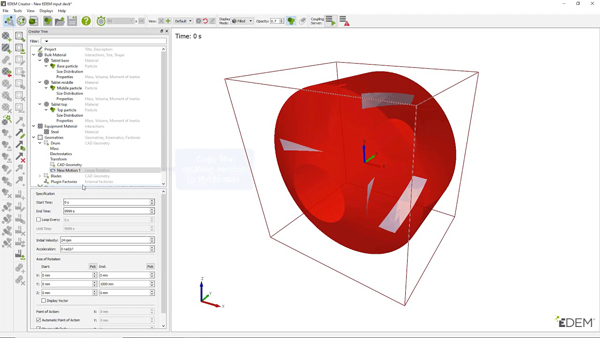
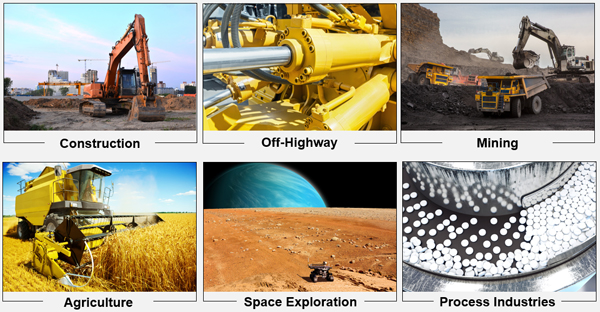
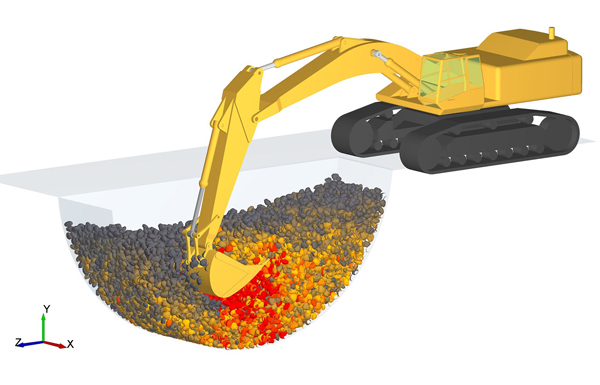
لینک دانلود
رمز فایل فشرده : www.download.ir
رمز کپی شد!
نرم افزار Altair EDEM Professional v2023.1
راهنمای نصب
- 1. Altair EDEM 2023.1 Win64 را نصب کنید. در صورت درخواست از انتخاب مجوز صرفنظر کنید.
- 2. پوشه اصلی برنامه <EDEM> را بازنویسی کنید (به طور پیش فرض C:\Program Files\Altair\2023.1\EDEM) با یکی از کرکها
- 3. "altair_licensing.reg" را اجرا کنید و تأیید کنید تا اطلاعات را به رجیستری ویندوز اضافه کنید.
- 4. راه اندازی مجدد
- Supported OS: Windows 11 / Windows 10 / Windows 8.1 /Windows 7
- Processor: Multicore Intel Series or above, Xeon or AMD equivalent
- RAM: 4GB (8GB or more recommended)
- Free Hard Disk Space: 4GB or more recommended
- RECOMMENDED system requirements
- OS: Windows 10 x64
- RAM: 32 GB
- Processor: Intel Core i9 / Intel Xeon Processor Family (16+ cores) / AMD Ryzen Threadripper
- Graphics Display: Any modern NVIDIA or AMD graphic card in the market
- Graphics Display and GPU simulation
- NVIDIA Volta GPU cards: (Quadro GV100, Tesla V100, TITAN V)
- NVIDIA Pascal GPU cards: (Quadro GP100, Tesla P100)
- NVIDIA Turing GPU cards (RTX 2080 Ti) NVIDIA Ampere GPU cards (3090, A100)
- The EDEM CUDA solver will only run on Nvidia cards which support CUDA 11.0
- Hard Disk Space: 1 TB or more for simulation data files

برچسب ها: